GameHub App
Break the boundaries Play without limits
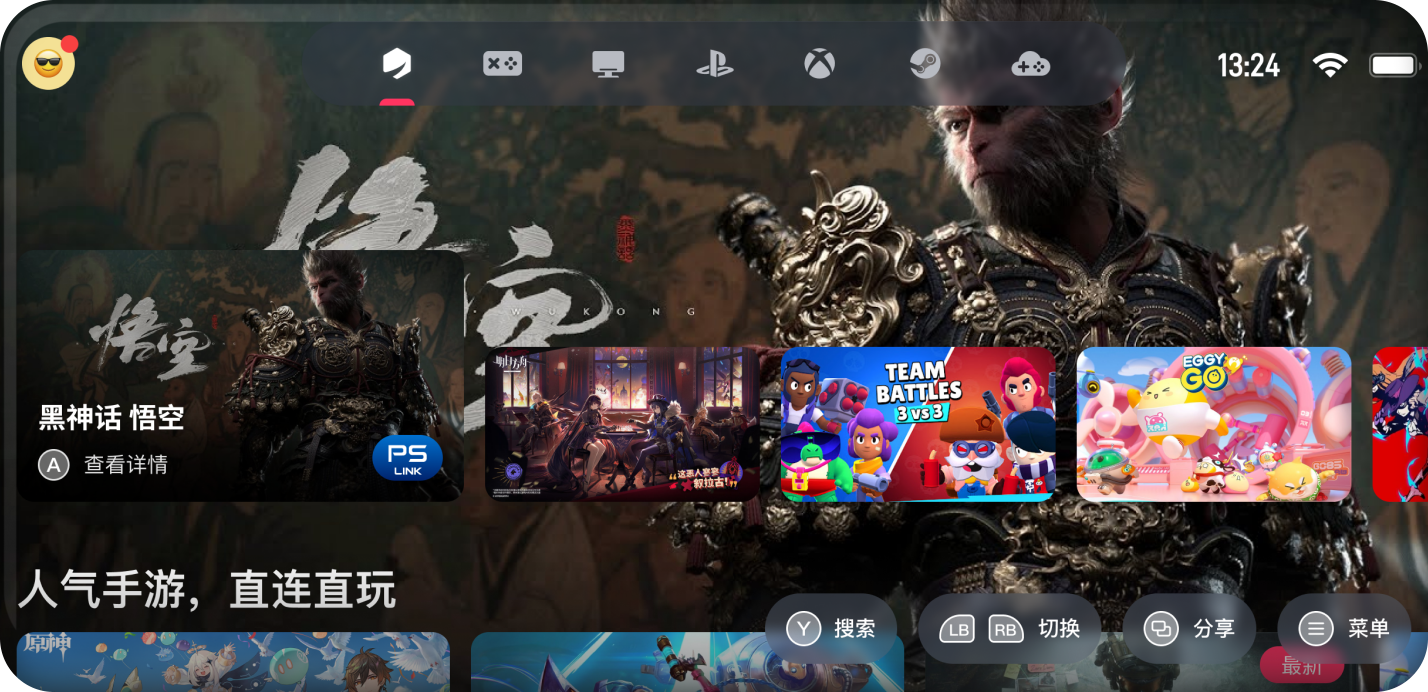
A mind-blowing new gaming experience
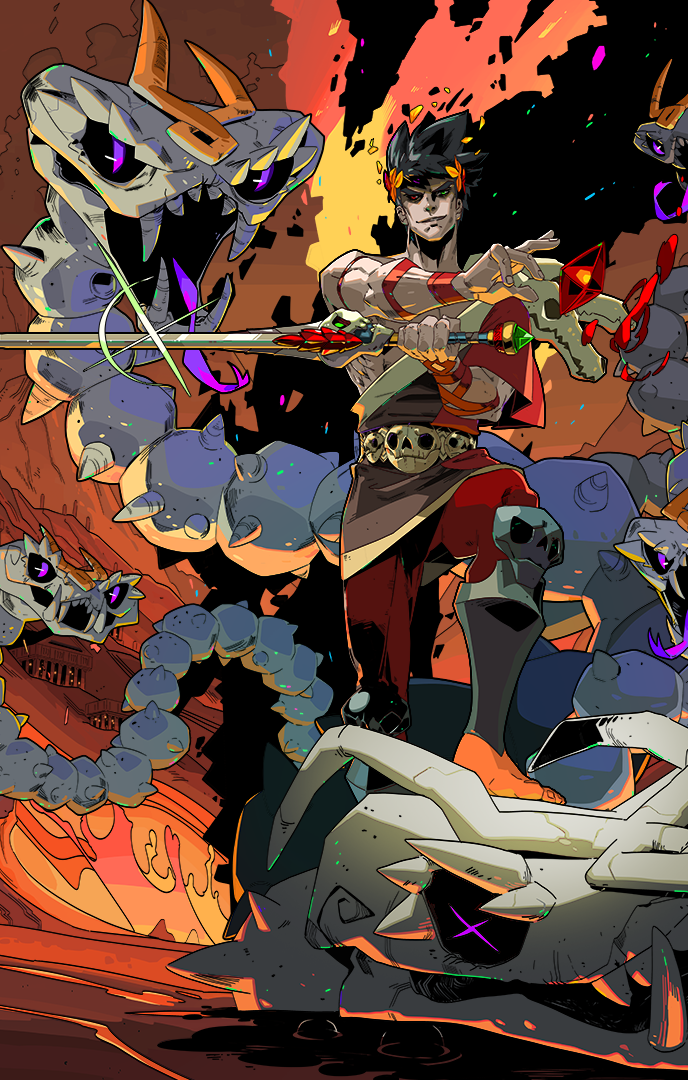
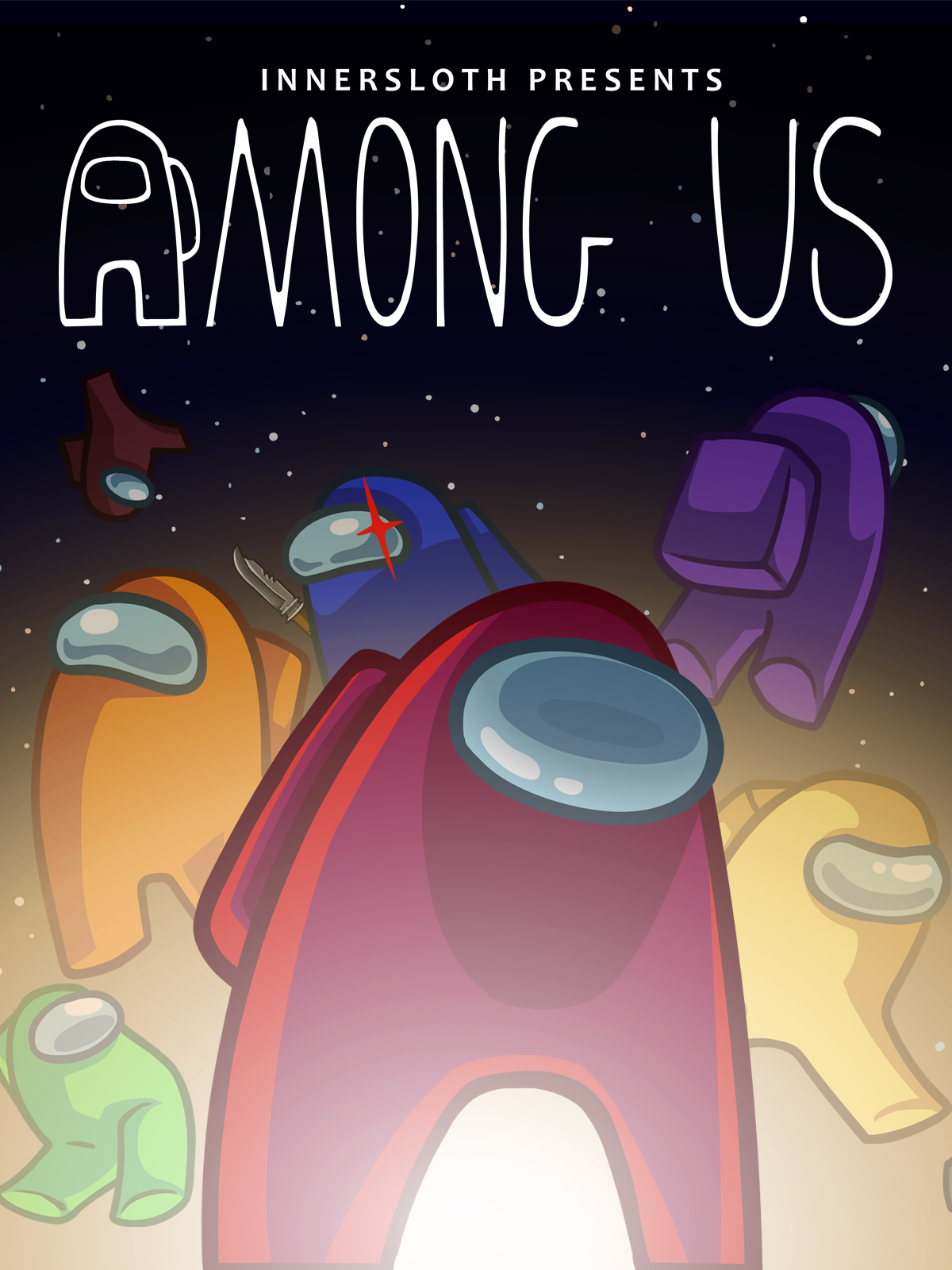
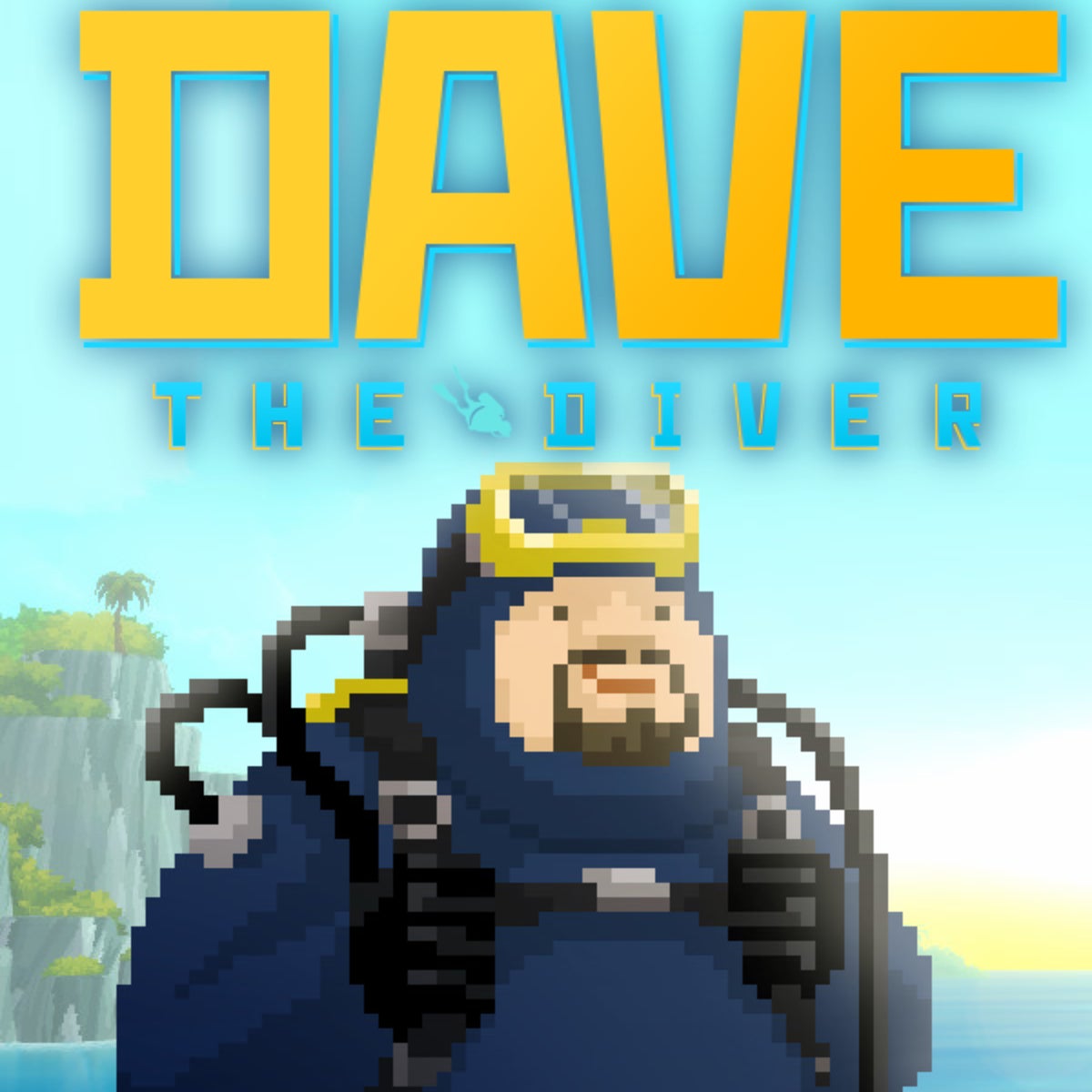
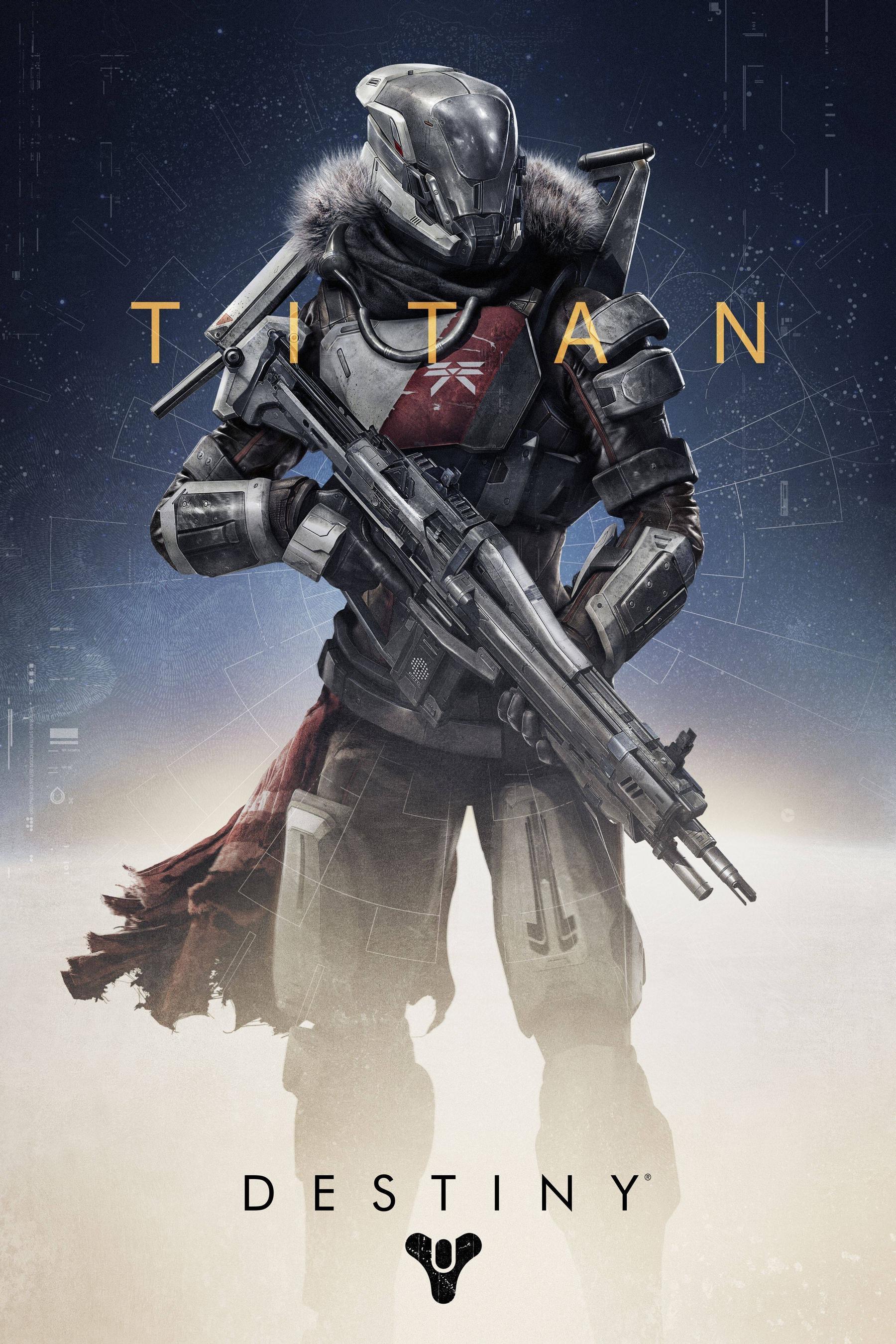
Play any game anywhere
Choose from thousands of games on supported platforms, from mobile games to next-gen console exclusives streamed from the cloud
GameHub provides a variety of game modes
Cross-platform
GameHub breaks the barriers between mobile and desktop platforms, and provides complete support for Windows games to run on Android through high-precision compatibility design. Users do not need additional equipment or complex configurations, just one click to experience a true PC-level experience on Android.
Share the highlights
With flashback recording, short video editing and other functions, you will never miss important moments. Click the [Screenshot] button to record, edit and share game videos, wireless cloud storage space.
*Some controllers may not support the screenshot function
Play anytime
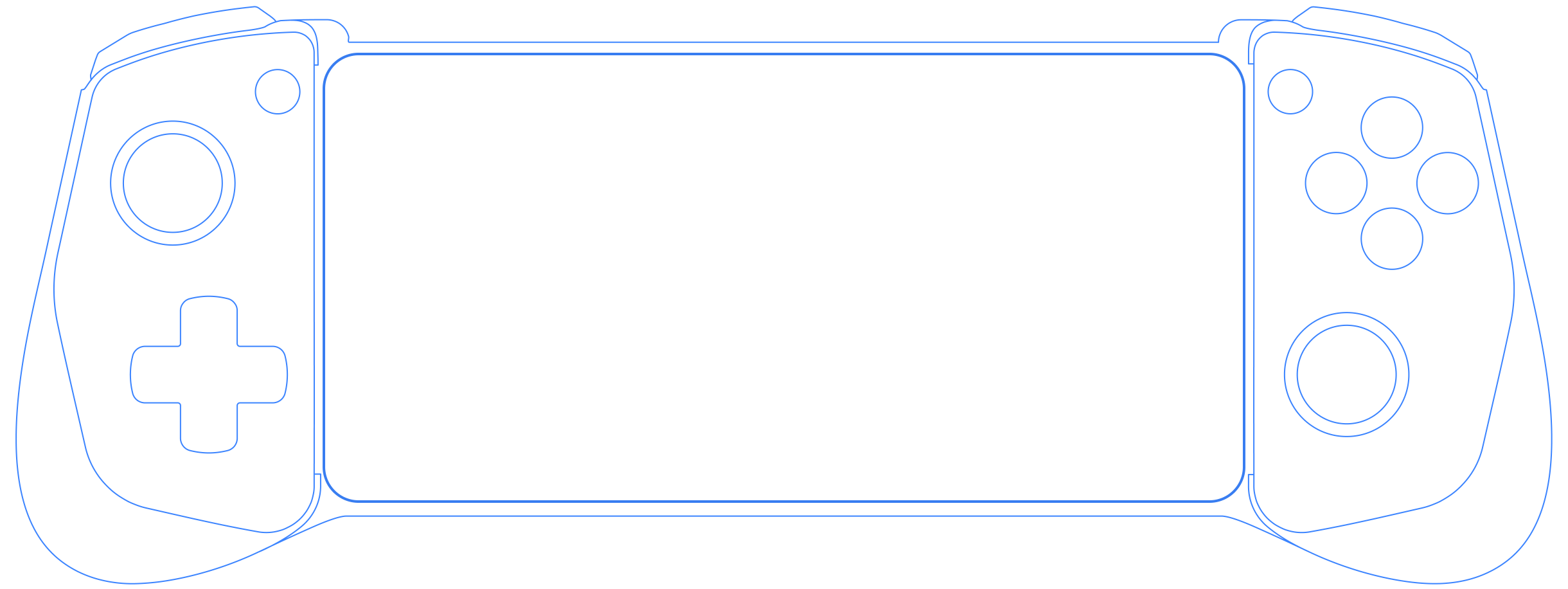
Use your GameSir game controller with any USB-C device. Plug and play anytime, anywhere, flexible gaming scenarios
If you have any questions
Yes. When you record gameplay, your paired audio will also be recorded, allowing you to relive all the epic moments
Games are automatically added and removed based on the compatible games you download to your device.
To add a friend, navigate to the GameHub app menu - tap the Add Friend icon - search for your friend by name or username. Alternatively, you can go to the menu - Find Friends to search for friends from your phone number and contacts. To remove a friend, navigate to the GameHub app menu - scroll down to the relevant friend - select and view their profile - then remove the friend.
GameHub's game recording, editing, and sharing tools support the native screen resolution of 30FPS on mobile devices.
Some games have an in-game option to enable controller support. Check the settings in the game to see if there are any controller options.